Your Portfolio Lab is a portfolio curating tool for photographers.
See your work
clearly.
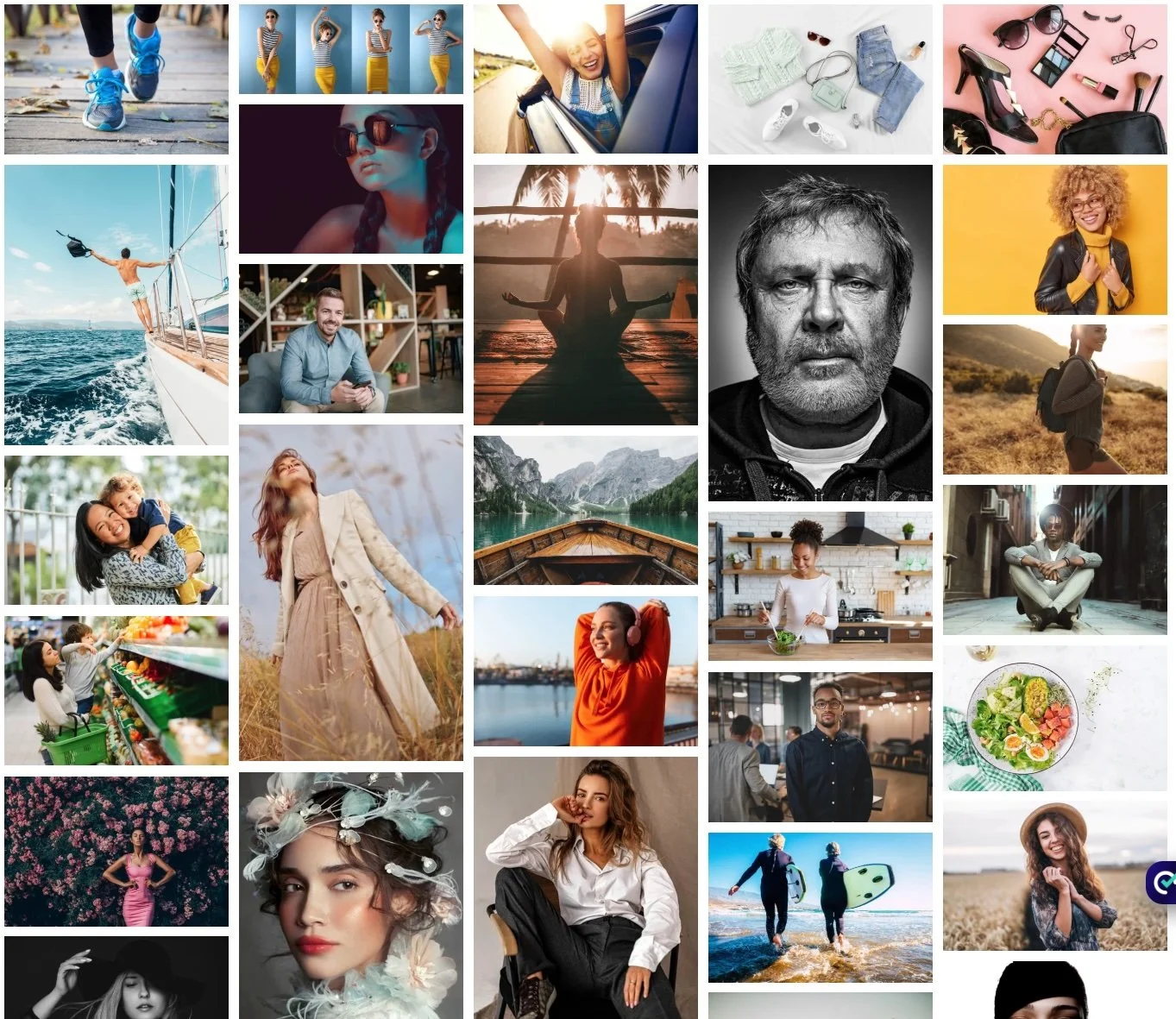
Upload your images and it will select, sequence, and organize them into a cohesive body of work — helping you refine your portfolio with more clarity and confidence.
Your work evolves-your portfolio should too.

The Problem
Curating your own portfolio can feel like a 1,000-piece puzzle — you know the pieces are there, but getting them to fit is another story.
Not because you lack taste, but because you’re too close to the work.
You have hundreds of strong images. Which ones make the cut?
Small inconsistencies , lighting shifts, repeated looks, tonal changes , can weaken the overall impact.
That’s where Your Portfolio Lab comes in.

How it works.
THE PROCESS
SELECT
Set the creative direction
DIRECT
Choose your images
CURATE
The Lab analyzes and sequences
UPLOAD
Add your images
REFINE
Review and finalize
A second set of eyes.
Curate differently.
Choose from three portfolio types.
Genre Portfolio
A full, balanced edit of 40 images, designed for refreshing your website portfolio by category.
Highlights Portfolio
A tighter, more selective edit of 10, 15, or 20 images—designed to shape a strong visual story or support a focused pitch deck.
Portfolio Overview
A multi-genre portfolio that brings together the strongest images from across your work—designed to show range while still feeling cohesive and intentional.





Strategic Mode
Want a little more control over how your portfolio comes together?
Strategic Mode is available in all types of portfolios and lets you guide the curation even further.
Add your target clients, direction words, or the mood and types of shoots you want to emphasize — and the selection will adjust to reflect that.
Set the direction — and see what your work can become.
Your Tools
These tools are available to give the portfolio direction before and after Your Portfolio
Lab has curated your portfolio. If it feels too narrow, simplify your inputs.
BEFORE

GUIDE
Select up to 5 images to influence tone & style.

PIN
Lock up to 3 key images into the edit. Use sparingly.
AFTER

+
REMOVE
Remove an image from your final portfolio.
ADD
Bring an image back in from an excluded set.
Watch it in action.
A quick tour of Your Portfolio Lab and Your Filename Lab.
Upload up to 200 images